A tiny photographer with a wobbly grip, a button mashed with pure glee, and seconds later a black-and-white photo slides out of the camera — that is the magic of a print camera designed for children. Unlike a smartphone camera where images vanish into a gallery, these instant cameras give kids a physical souvenir they can hold, decorate, and trade. The trick is finding the right one that survives drops, produces prints that actually look like the subject, and keeps its battery charged through a long afternoon of documentation.
I’m Emma — the founder and writer behind Baby Bangs. Over the past few years I have studied dozens of kids’ tech gadgets, comparing sensor specs, print clarity, battery chemistry, and the unique durability demands of the three-to-twelve age range.
This guide compares the top five models on the market to help you find a kids instant print camera that encourages creativity, resists rough handling, and delivers clear black-and-white prints without the hassle of messy ink refills.
How To Choose The Best Kids Instant Print Camera
Choosing a print camera for a child is not the same as picking one for yourself. The priorities shift toward physical durability, ease of use, and safety of the printing mechanism. Parents often discover that the cheapest option runs out of paper on day two, or that the premium model confuses a five-year-old with too many menus.
Print Technology: Thermal vs. ZINK
Nearly all kids’ instant print cameras use thermal printing, which means no ink cartridges, no toner, and no tiny parts that can spill or break. Thermal paper darkens when heated, producing a black-and-white or monochrome image. ZINK (Zero Ink) technology is different — it uses embedded dye crystals that activate with heat to produce full color prints, but these require specialized paper that costs more and is harder to find. For a child under ten, thermal printing is the cleaner, safer, and more wallet-friendly option.
Build Quality and Drop Protection
A camera that a child will carry on a hike, drop on pavement, and toss into a backpack needs a thick silicone bumper. Look for models that include a protective silicone case in the box. The material should be non-toxic and the camera body should be made from ABS plastic that can absorb moderate impact without cracking. If the camera has a removable lens cover or exposed glass, check whether it is recessed below the surface.
Battery Life and Charging
An internal battery rated at 1500mAh is the industry baseline for these pint-sized cameras. That capacity typically delivers four to five hours of shooting without printing, or roughly two to three hours when the child prints every photo they take. USB-C charging is the current standard — avoid any model that still relies on Micro-USB or replaceable AA batteries, as those will cost more over time and charge much slower.
Storage Capacity
Most kids’ cameras ship with a 32GB microSD card pre-installed. That is enough for several thousand photos plus some video clips. If the camera does not include a card, factor that into your total. A camera that can only store a handful of images will frustrate a child who wants to print later, so confirm the slot is present and supported.
Quick Comparison
On smaller screens, swipe sideways to see the full table.
| Model | Category | Best For | Key Spec | Amazon |
|---|---|---|---|---|
| HiMont Kids Instant Print Camera | Premium | All-day outdoor play | 1500mAh battery | Amazon |
| Yehtta Dual-Lens Camera | Premium | Selfie-loving kids | Front + rear lens | Amazon |
| KOKODI CP02 | Mid-Range | Feature-heavy parents | 20MP sensor | Amazon |
| Instant Print Camera with Silicone Cover | Mid-Range | Budget-minded buyers | Included silicone case | Amazon |
| Instant Print Camera for Kids (Purple) | Budget | First camera experience | 32GB SD card | Amazon |
In-Depth Reviews
1. HiMont Kids Instant Print Camera

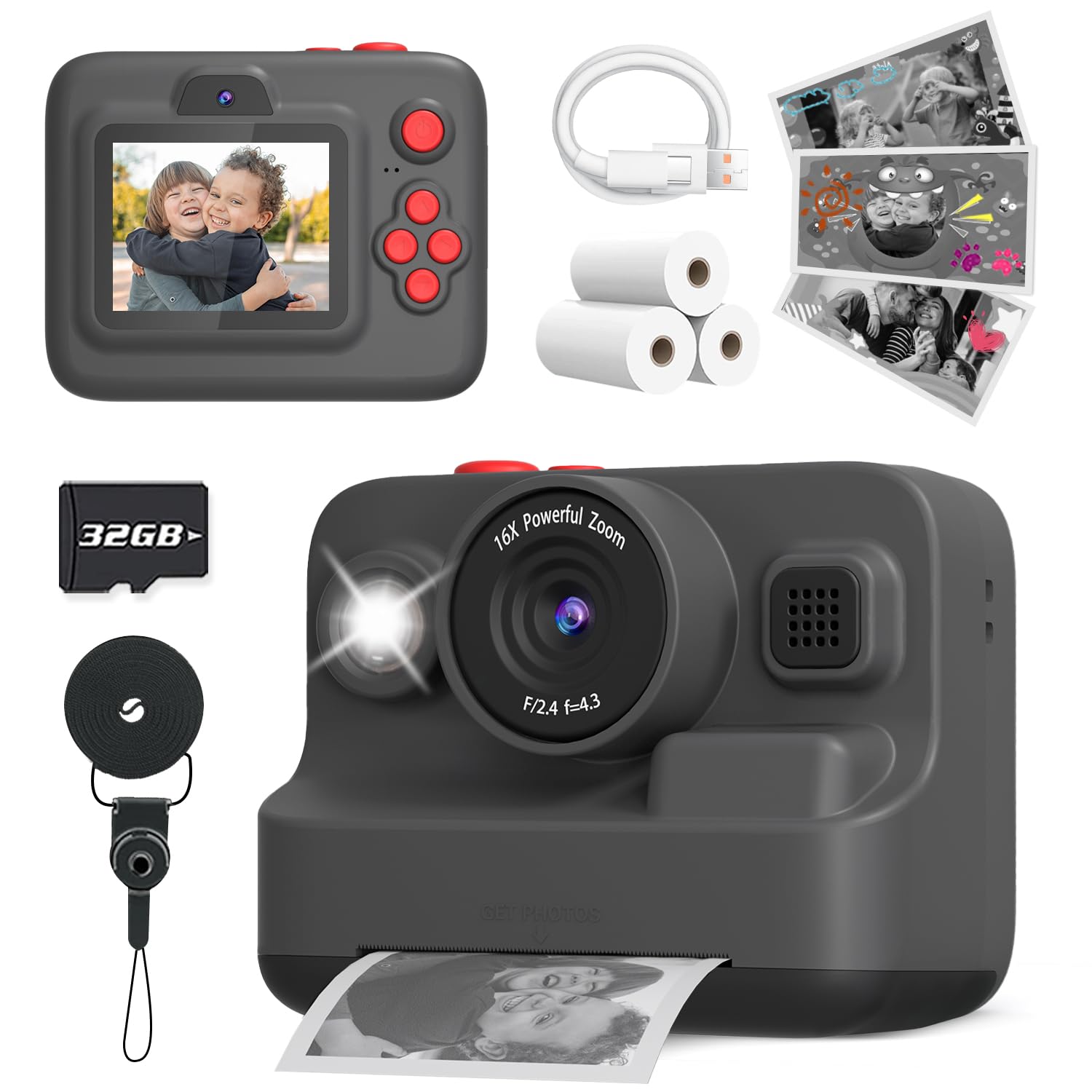
The HiMont combines a rugged black plastic body with a thick silicone bumper that absorbs drops from table height without transferring shock to the internal printer roller. The 1080p video recording is sharp enough for school projects, and the 1500mAh battery delivers about four hours of mixed shooting and printing.
Print quality holds up well in decent light — subjects with good contrast produce clean monochrome images that kids can color over with markers. The camera arrives with three rolls of thermal paper plus a pre-installed 32GB card, so parents do not need to buy anything extra before the first use.
The thermal printing mechanism is quiet enough not to scare younger children, and the paper ejection slot is positioned away from the grip so tiny fingers do not accidentally get pinched. The menu system is simple enough that a child can navigate between photo and video modes without adult assistance.
Why it’s great
- Included 32GB microSD with three rolls of paper means zero extra purchases
- Silicone bumper provides genuine drop protection without adding bulk
- USB-C charging is faster and more convenient than Micro-USB
Good to know
- Black color shows smudges from sticky little hands
- Thermal prints fade if left in direct sunlight for extended periods
2. Yehtta Kids Camera Instant Print, Dual-Lens
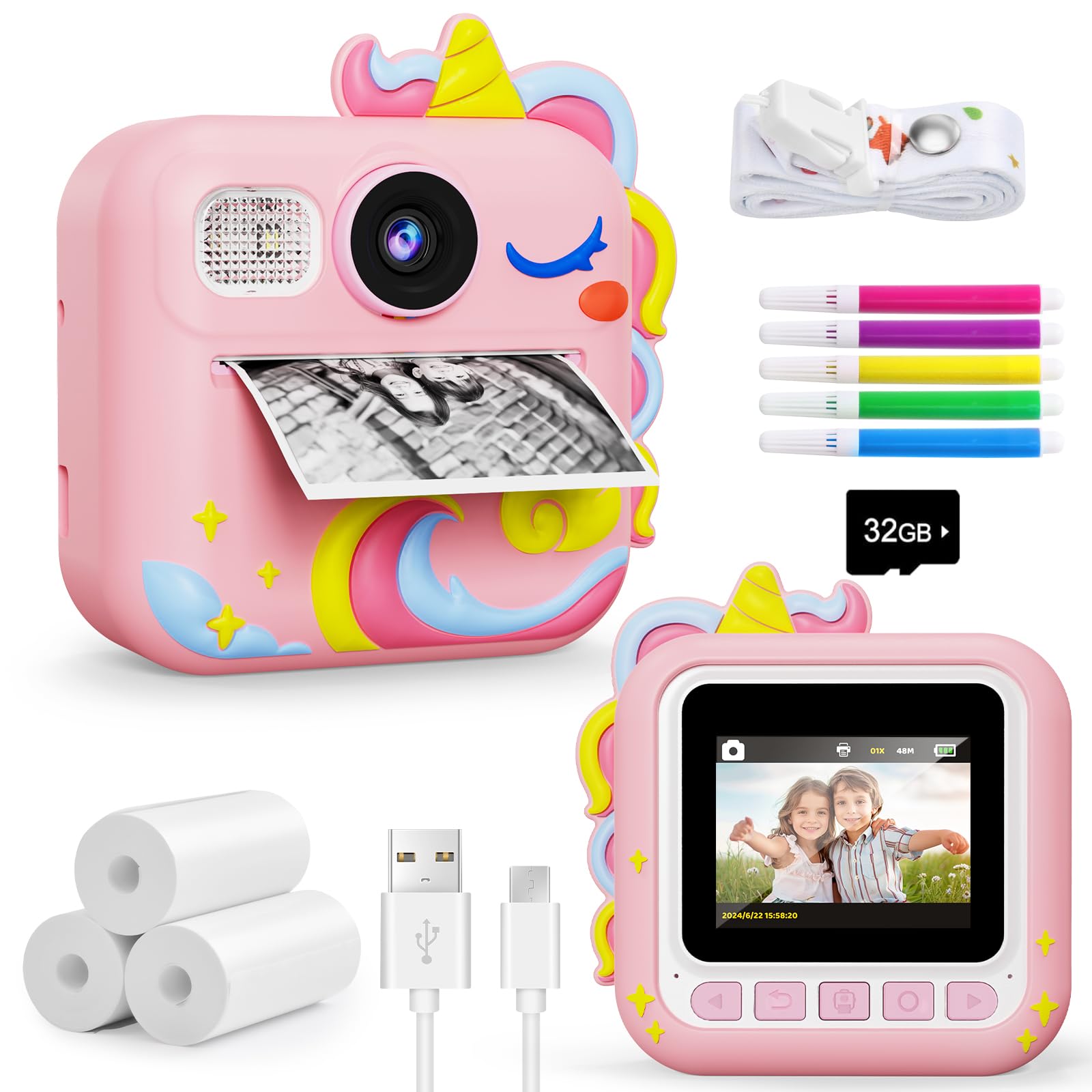
The Yehtta stands apart with its dual-lens design — a rear-facing lens for capturing the world and a front-facing lens for selfies. The 2.4-inch screen gives kids enough room to frame their shot before printing, and the 1080p video mode is solid for a device in this price range.
Included in the box are a 32GB memory card and an extra roll of thermal paper, bringing the total out-of-box supplies to three rolls (roughly 150 prints). The front lens is recessed slightly into the body, which reduces scratches when the camera is placed face-down on a table.
The dual-lens system does add a couple of menu steps to switch between lenses, so very young children (age three to four) may need a demonstration. For kids aged five and up, the selfie mode becomes a favorite tool for silly face photos that get printed immediately.
Why it’s great
- Front-facing selfie lens encourages creative self-portraits
- Recessed front lens resists scratches during normal play
- Solid 32GB storage handles thousands of photos
Good to know
- Switching between lenses requires navigating the menu
- Thermal paper is not included in every retail package
3. KOKODI Kids Camera Instant Print CP02
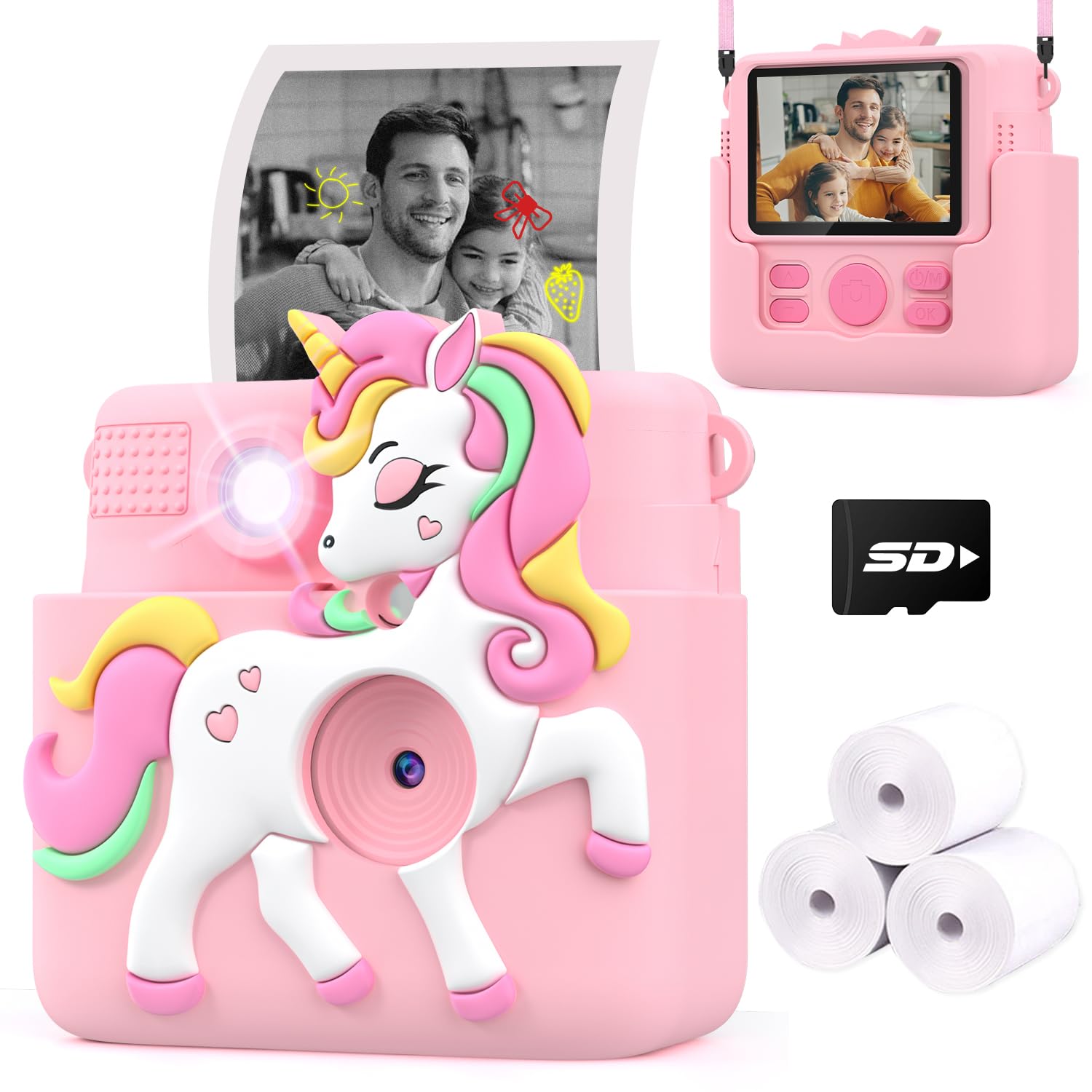
The KOKODI CP02 packs more features per dollar than most competitors — a 20-megapixel CMOS sensor, 1080p video, 16x digital zoom, and even MP3 music playback with four built-in puzzle games. The 2.4-inch HD screen is bright enough for outdoor use, and the included 32GB card stores a deep library of photos and videos.
The protective silicone case is molded from non-toxic ABS material and fits tightly around the camera body. The thermal printing mechanism is inkless and odor-free, producing monochrome prints that emerge from a side slot. The battery, rated at 1500mAh, lasts between four and five hours of continuous shooting without printing.
The extra features — time-lapse, burst mode, and digital zoom — are genuinely useful for older kids who are ready to experiment, though younger children may accidentally activate them. The MP3 playback requires loading music files onto the SD card from a computer, which adds a step that some parents may not expect.
Why it’s great
- 20MP sensor captures more detail than most cameras in this class
- Built-in games and MP3 support add entertainment value beyond photography
- Long 1500mAh battery with USB-C charging
Good to know
- MP3 playback requires manually loading music files onto the SD card
- Digital zoom is purely digital — it crops rather than optically zooms
4. Kids Camera Instant Print with Silicone Cover
This pink model from an unbranded manufacturer comes with a silicone cover pre-fitted, which is a welcome convenience because you do not have to buy the protective gear separately. The camera shoots 1080p video and prints standard monochrome thermal images that are consistent with other entry-level models.
The included memory card is a 32GB microSD that handles several thousand shots. The battery life is on par with the competition at roughly four hours of light use, and the charging port uses USB-C rather than the older Micro-USB standard. The time-lapse function is a fun bonus for kids who like watching flowers open or clouds move.
The menu interface is slightly less intuitive than the KOKODI or HiMont cameras — buttons require a firm press and the menu labels are mostly icons with no text labels. Children under six may need a few rounds of adult guidance before they can operate it solo.
Why it’s great
- Silicone cover is already installed out of the box
- USB-C charging is convenient and fast
- Time-lapse mode adds creative possibilities for curious kids
Good to know
- Menu icons without text labels can confuse younger children
- Buttons require a reasonably firm press to register
5. Instant Print Camera for Kids, Purple
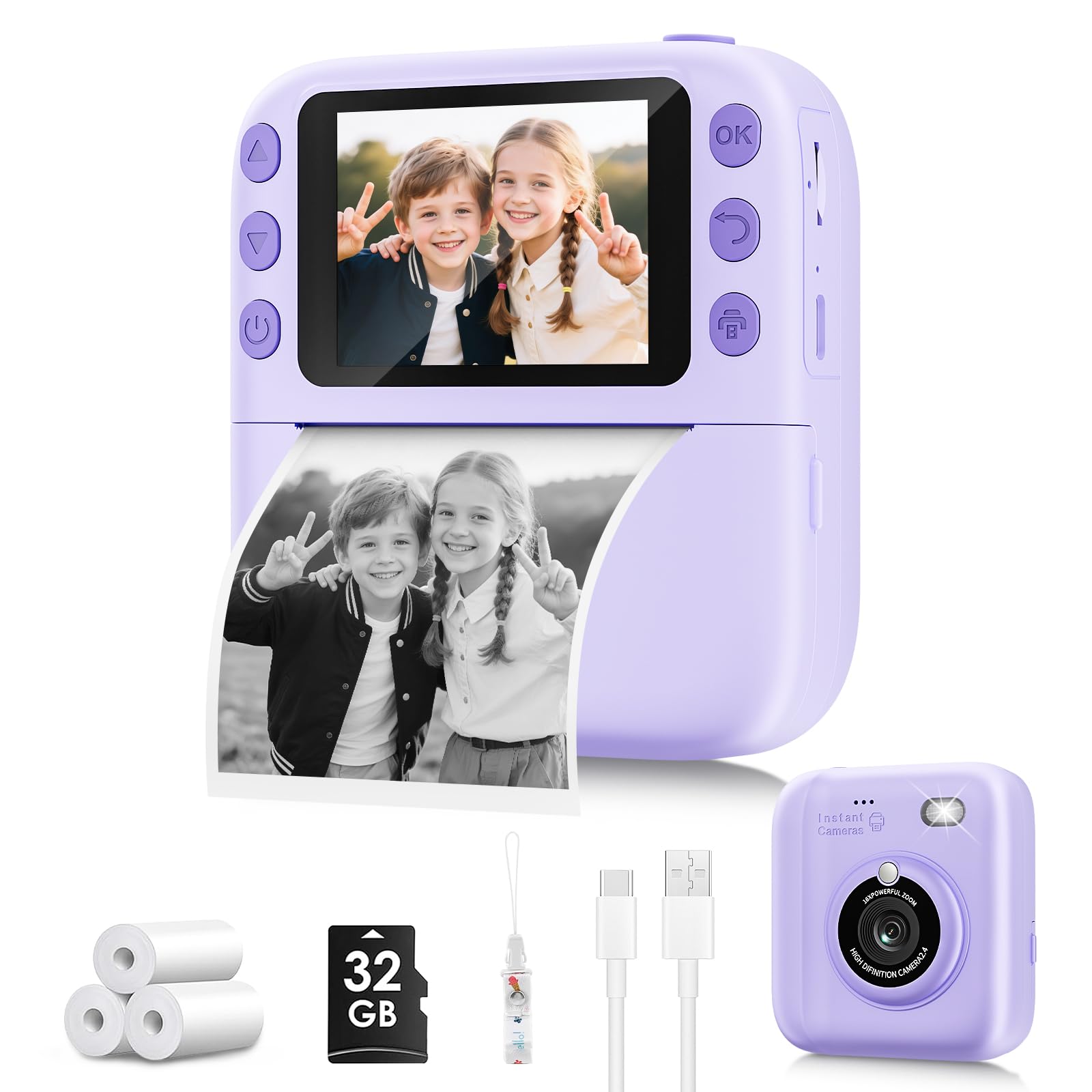
This affordable purple camera is aimed squarely at the entry-level buyer who wants to test whether their child will enjoy instant photography before investing in a more expensive model. It captures 1080p video and prints thermal images on included paper, with a 32GB card for storing digital copies.
The build is lighter than the HiMont or KOKODI — the plastic feels slightly thinner and the silicone cover is not included in the box. That means the camera is more prone to damage if dropped on a hard surface. The battery is rated at 1500mAh, matching the competition, but the charging speed is slower due to a Micro-USB port.
Print quality is acceptable in good lighting, but images taken in dim conditions come out patchy and hard to recognize. The simplicity of the interface is actually an advantage for young children — there are fewer buttons to confuse them, and the instant print button is large and easy to locate by feel.
Why it’s great
- Simple interface with a large print button is ideal for ages three to five
- Comes with a 32GB memory card right out of the box
- Bright purple color is visually appealing to many young children
Good to know
- No silicone case included — camera is more vulnerable to drops
- Micro-USB charging is slower than USB-C
FAQ
Do kids instant print cameras need ink or toner?
How many prints can I expect from a single thermal paper roll?
Are the prints from a kids instant print camera in color or black and white?
What age range is appropriate for a kids instant print camera?
How do I transfer digital photos from the camera to a computer?
Final Thoughts: The Verdict
For most users, the kids instant print camera winner is the HiMont Kids Instant Print Camera because it balances a rugged silicone bumper, full 32GB storage with three included paper rolls, and a straightforward interface that children as young as four can manage solo. If your child is obsessed with taking selfies, grab the Yehtta Dual-Lens Camera for its front-facing lens and recessed front element. And for a budget-friendly entry point that tests whether the hobby will stick, nothing beats the simplicity of the Purple Instant Print Camera.