The search for the right tablet for your child usually starts the same way: you want them to have access to learning apps and digital creativity, but you are terrified of giving them an expensive piece of glass that will crack in an hour or expose them to the wrong corners of the internet. A children’s tablet needs to survive drops, limit screen time, and actually run the apps they need without lag.
I’m Emma — the founder and writer behind Baby Bangs. I’ve spent years analyzing the hardware specifications, parental control software, and build quality of dedicated kids’ tablets to separate the durable, well-managed devices from the fragile, poorly supervised ones.
This guide covers the critical differences in operating systems, child-proof cases, and content filtering to help you find the right kids tablets that balance safety with performance for your family.
How To Choose The Best Kids Tablets
The right tablet for your child depends on a few key factors: the operating system’s control features, the physical durability of the case, and the storage capacity needed for downloaded apps and videos. Prioritize these specs over screen resolution or raw processing power for a kids’ device.
Operating System & Parental Control Depth
Android-based kids tablets offer full Google Play Store access, which means access to the widest library of educational apps, but parental control setup varies by manufacturer. Amazon Fire Kids tablets use a curated app store with a centralized Parent Dashboard that allows remote time limits and content filtering from your phone—this is simpler but restricts which apps are available. Choose Android for app variety; choose Fire OS for the most seamless, hands-off control system.
Build Quality & The Kid-Proof Case
A kids tablet is only as good as its protective case. Look for cases with thick, shock-absorbing EVA foam or silicone that wraps around all four corners and features a raised bezel (at least 3mm) around the screen to absorb impact and prevent the glass from touching a flat surface on a fall. Integrated kickstands add hands-free viewing for video calls and learning apps.
Battery Life and Storage Considerations
A minimum of 6 hours of continuous video playback is necessary for long car rides or school days. Look for advertised battery life in the 8-13 hour range. Internal storage should be at least 32GB, but expandable microSD storage up to 1TB is far more valuable, as it allows you to load movies and apps without depending on cloud streaming in areas without Wi-Fi.
Quick Comparison
On smaller screens, swipe sideways to see the full table.
| Model | Category | Best For | Key Spec | Amazon |
|---|---|---|---|---|
| Amazon Fire HD 10 Kids Pro | Premium | Best Overall Parental Controls | 13-hour battery / 32GB | Amazon |
| Amazon Fire 7 Kids | Mid-Range | Young Children (Ages 3-7) | 10-hour battery / 16GB | Amazon |
| CFVOCUY Android 15 Kids Tablet | Mid-Range | Android App Variety | 8GB RAM / WiFi 6 | Amazon |
| Amazon Fire HD 8 (Refurbished) | Mid-Range | Budget-Friendly Amazon Ecosystem | 8″ display / 13 hours | Amazon |
| JIKOCXN Android 16 Tablet | Value | High Spec for the Price | 24GB RAM / 64GB Storage | Amazon |
| WXUNJA Android 15 Kids Tablet | Entry-Level | Octa-Core Performance | 6000mAh battery / 64GB | Amazon |
| Gleeso Android 16 Kids Tablet | Entry-Level | Budget Price Point | 5000mAh battery / 64GB | Amazon |
In‑Depth Reviews
1. Amazon Fire HD 10 Kids Pro (32GB, Happy Day)
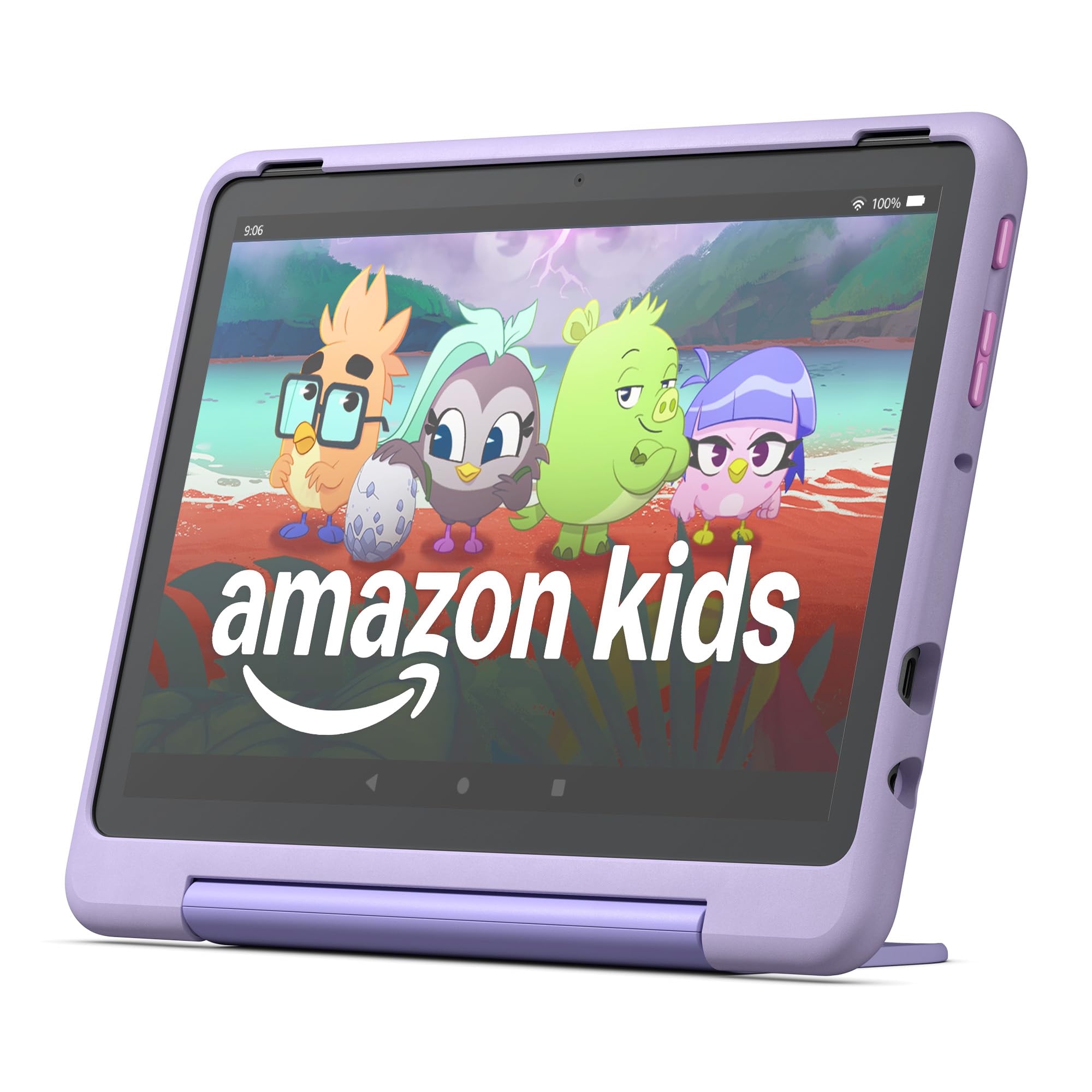
The Amazon Fire HD 10 Kids Pro is the most complete kids tablet package available, combining a large 10.1-inch HD display with a slim, protective case and the most advanced parental control system in the category. The included 2-year worry-free guarantee means if the tablet breaks, Amazon replaces it for free — eliminating the risk of a cracked screen costing you a new device. The 13-hour battery life easily outlasts a full day of road trips or classroom use, and the 32GB internal storage is expandable up to 1TB via microSD.
The real value here lies in the Amazon Kids+ software and the Parent Dashboard. You can set daily screen time limits, filter content by age, and grant access to apps like Netflix and Disney+ remotely from your phone. The “Best Parental Controls” award from Parents Magazine is earned by the dashboard’s granular control over educational goals alongside entertainment boundaries. The tablet also ships with a slim, durable Kid-Proof Case that includes a built-in stand for hands-free viewing.
The Fire OS does not support the Google Play Store, which means you are limited to Amazon’s curated Appstore. For older kids who need school-specific Android apps like Google Classroom or specialized coding tools, this can be a limitation. However, for the target age range of 6-12, the selection of premium, ad-free content from Disney, Marvel, and PBS Kids is unmatched. For a parent who wants a device that works out of the box with minimal setup, this is the definitive pick.
Why it’s great
- Industry-leading Parent Dashboard with remote control
- 2-year worry-free replacement guarantee
- 13-hour battery life
- Thin case with integrated stand
Good to know
- Runs Fire OS, not stock Android — no Google Play Store access
- Premium price point compared to entry-level Android tablets
2. Amazon Fire 7 Kids Tablet (16GB, Blue)
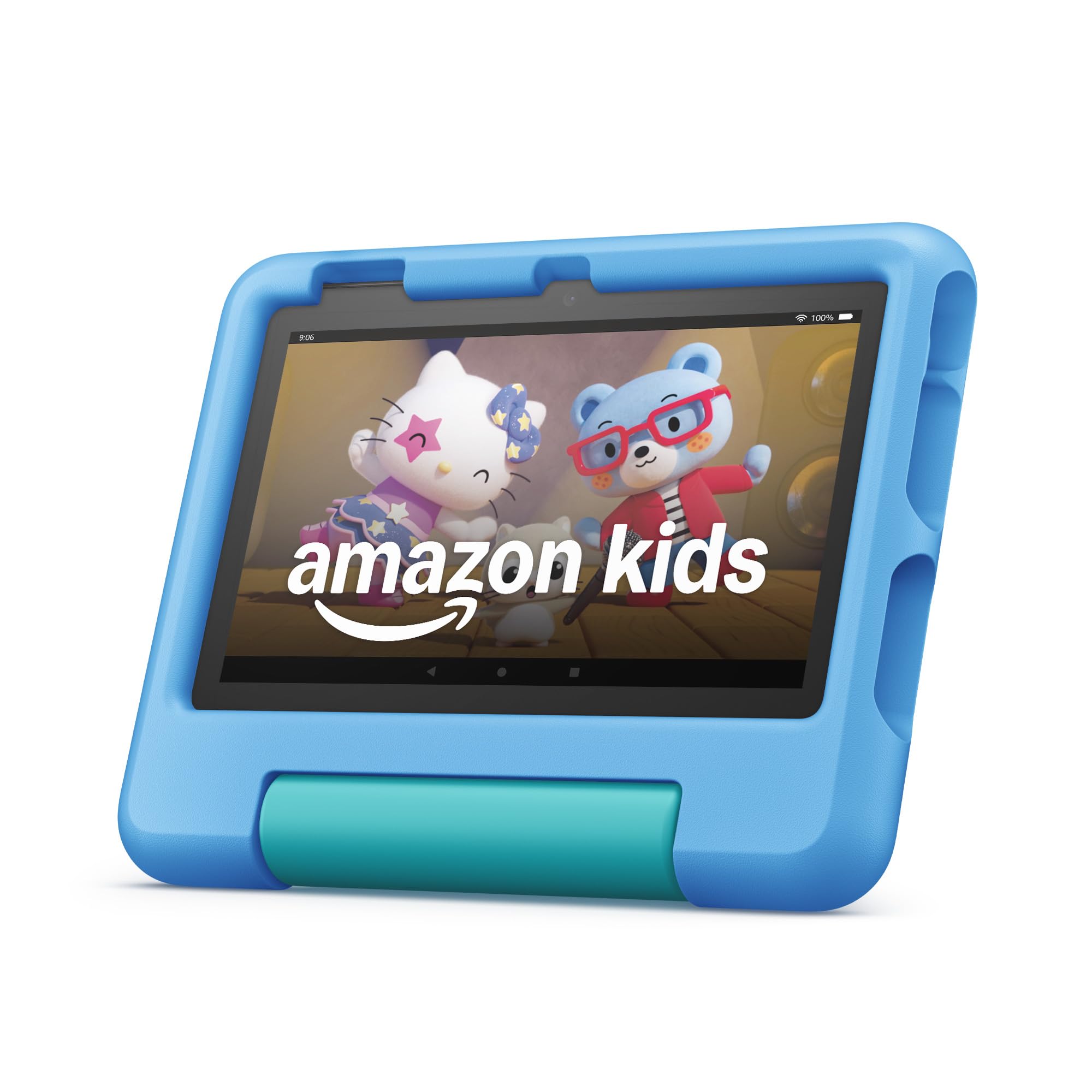
The Amazon Fire 7 Kids tablet is purpose-built for the youngest users, ages 3 to 7, with a smaller 7-inch screen that small hands can grip comfortably. It comes with a 1-year Amazon Kids+ subscription, granting immediate, ad-free access to thousands of books, games, and educational videos from PBS Kids, Nickelodeon, and Disney. The 2-year worry-free guarantee is the same as the Pro model — if it breaks, Amazon replaces it free of charge, which removes the anxiety of handing a tablet to a toddler.
The 10-hour battery life is excellent for a 7-inch device, and the included Kid-Proof Case has thick bumper corners and a raised screen lip to protect against drops. The Parent Dashboard allows you to set educational goals, limit screen time, and block or allow specific apps. The 16GB internal storage is on the lower side, but the microSD slot supports up to 1TB, so you can load movies for travel easily. The tablet comes with a USB-C cable and power adapter in the box.
The smaller screen makes it less suitable for older children who need to read dense PDFs or run complex apps, and like all Amazon Kids tablets, it lacks Google Play Store access. The 3GB of RAM is sufficient for the curated Kids+ library but can feel slow when loading a heavy interactive game. For a durable, simple, and well-supervised first tablet for a preschooler, this is the strongest option.
Why it’s great
- Small 7-inch form factor ideal for small hands
- 2-year worry-free replacement guarantee
- 1-year Amazon Kids+ included
- Robust remote parental controls
Good to know
- Only 16GB internal storage (expandable)
- No Google Play Store access
- Performance can lag on heavy apps
3. CFVOCUY 10.1 Inch Android 15 Kids Tablet (64GB)
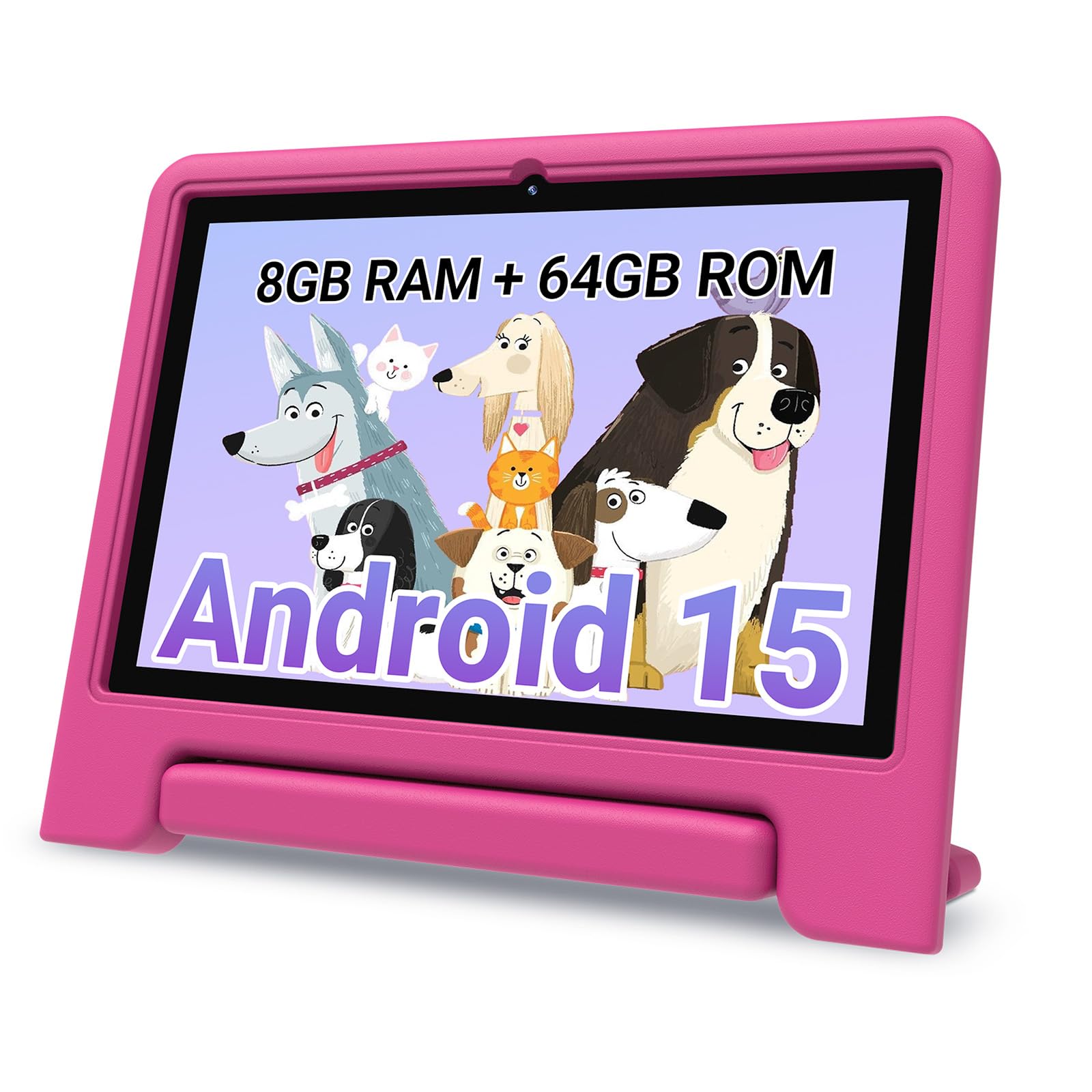
The CFVOCUY Android 15 Kids Tablet is the best option for parents who want Google Play Store access without sacrificing a robust parental control system. It runs stock Android 15, which means full compatibility with the entire Google Play library — including educational apps like Khan Academy Kids, Duolingo, and Google Classroom. The 8GB of RAM is generous for a kids tablet and allows for smooth multitasking between drawing apps and video calls without stuttering.
The hardware is well-rounded for the category: a 10.1-inch 1280×800 IPS display with an eye-protection mode to reduce blue light, a 5000mAh battery rated for up to 8 hours of mixed use, and WiFi 6 support for faster, more stable streaming in crowded home networks. The tablet comes with a soft EVA protective case with an integrated stand that makes it easy for kids to watch shows hands-free. The included 64GB of internal storage is expandable to 1TB via a MicroSD card.
The parental control mode is app-level rather than system-wide, which means it requires some manual setup to whitelist and blacklist specific apps and set time limits per app. It is not as seamless as the Amazon Parent Dashboard. The brand is less established than Amazon, so long-term support and warranty service are not as guaranteed. For parents who prioritize app selection and raw performance over the simplest control software, this is a strong contender.
Why it’s great
- Full Google Play Store access
- 8GB RAM for smooth performance
- WiFi 6 for fast streaming
- Eye-protection display mode
Good to know
- Parental controls require manual setup
- Less established brand warranty support
- Battery life shorter than Fire tablets
4. Like-New Amazon Fire HD 8 (32GB, Black)
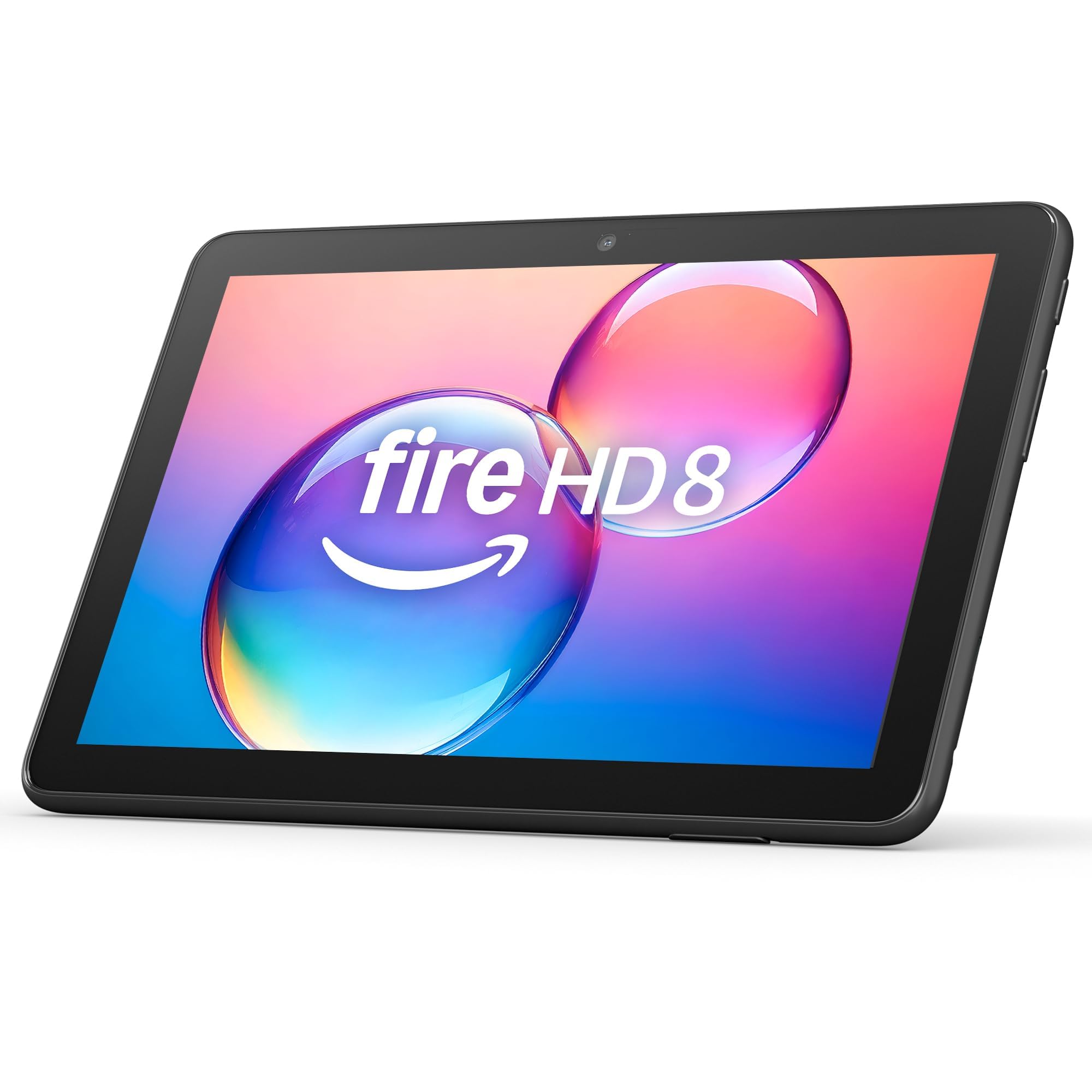
The Like-New Amazon Fire HD 8 is a certified refurbished tablet that looks and functions like a brand-new device, making it a smart budget-friendly entry into the Amazon ecosystem. The 13-hour battery life is class-leading for this screen size.
This model includes the same smart tools as the new Fire HD 8, including a feature that can help summarize webpages and draft emails. It supports expandable storage up to 1TB via microSD, and the Alexa integration allows for voice commands for music, news, and video calls. The refurbished status comes with the same limited warranty as a new device, so you are not losing protection for choosing a like-new unit.
The major caveat is that this is a general-purpose tablet, not a dedicated kids tablet. It does not come with a Kid-Proof Case, pre-installed kids apps, or the 2-year worry-free guarantee. You will need to purchase a separate kid-proof case and set up Amazon Kids manually. If you want the cheapest way into the Amazon Kids ecosystem and are comfortable doing a bit of setup, this is a smart value play.
Why it’s great
- 13-hour battery life
- 3GB RAM handles multitasking well
- Certified refurbished with standard warranty
- Expandable storage up to 1TB
Good to know
- No kid-proof case or kids subscription included
- Requires manual parental control setup
- Refurbished condition may have cosmetic marks
5. JIKOCXN Android 16 Kids Tablet (64GB, Purple)
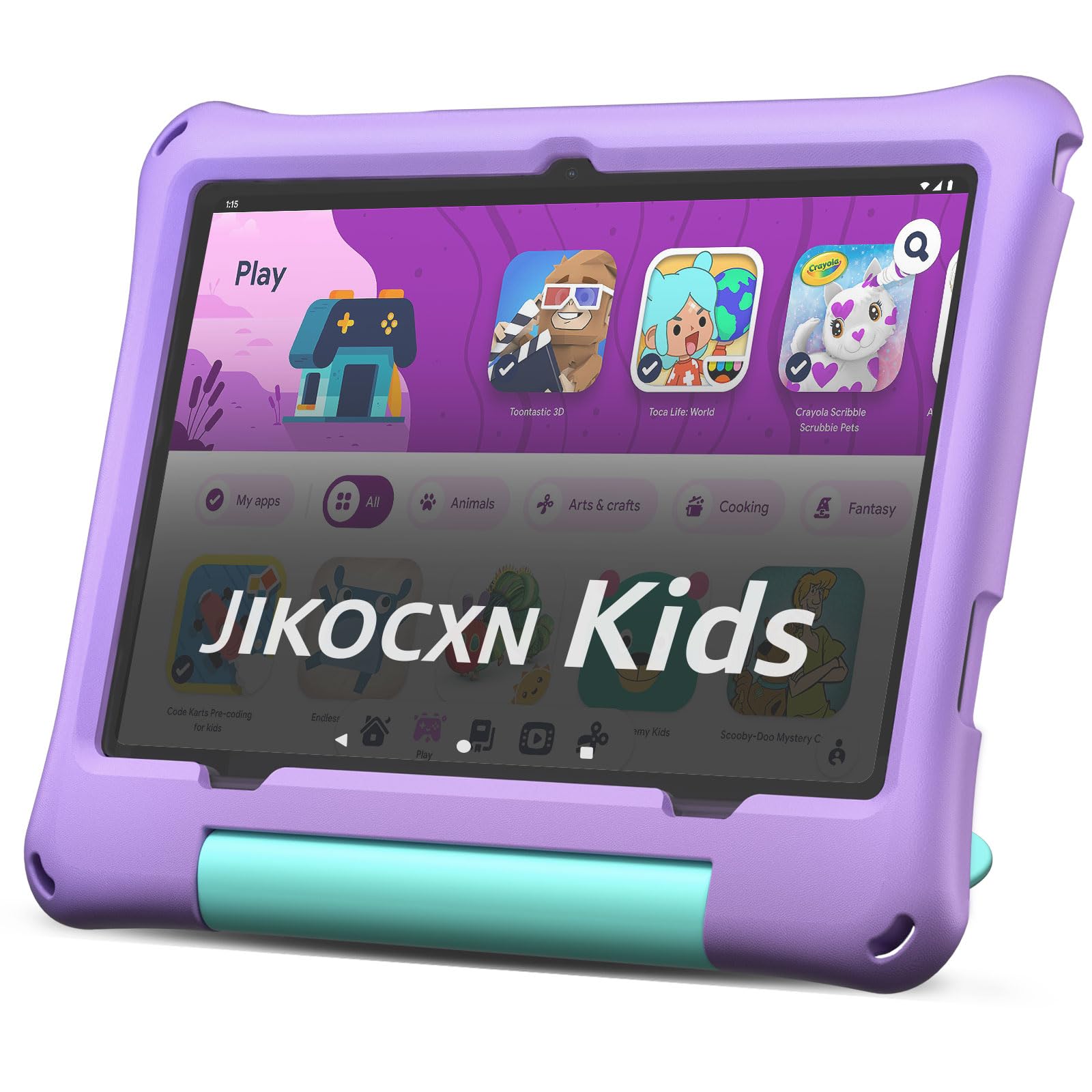
The JIKOCXN Android 16 Kids Tablet stands out on paper with a staggering 24GB of RAM — an amount typically found in flagship adult tablets. For a kids device, this means zero lag when switching between heavy learning apps, drawing programs, and video playback. The 10-inch HD display and included protective case make it suitable for everyday use, while the 64GB of internal storage, expandable to 1TB, provides more room for offline content than most users will fill.
This tablet runs Android 16, the very latest mobile operating system, ensuring compatibility with the newest apps for years to come. It features Bluetooth 5.0 for quick connection with wireless headphones or keyboards, and the dual cameras (front and rear) allow for classroom-style video calls and photography projects. The purple color variant adds a visual option that many kids find appealing, and the tablet ships with a full set of accessories including a charger and case.
The “24GB RAM” spec is likely a marketing descriptor that includes RAM plus some form of virtual memory expansion, which means real-world performance may not fully match a true 24GB hardware allocation. The brand JIKOCXN is less established, and customer support responsiveness can vary. For a user who prioritizes raw spec numbers and the latest Android version at a comfortable price point, this tablet offers impressive features.
Why it’s great
- Claims massive 24GB of RAM
- Latest Android 16 operating system
- Expandable storage to 1TB
- Full Google Play Store access
Good to know
- RAM spec likely includes virtual memory
- Less established brand with unknown support
- Battery life details not specified
6. WXUNJA Android 15 Kids Tablet (64GB, Red)
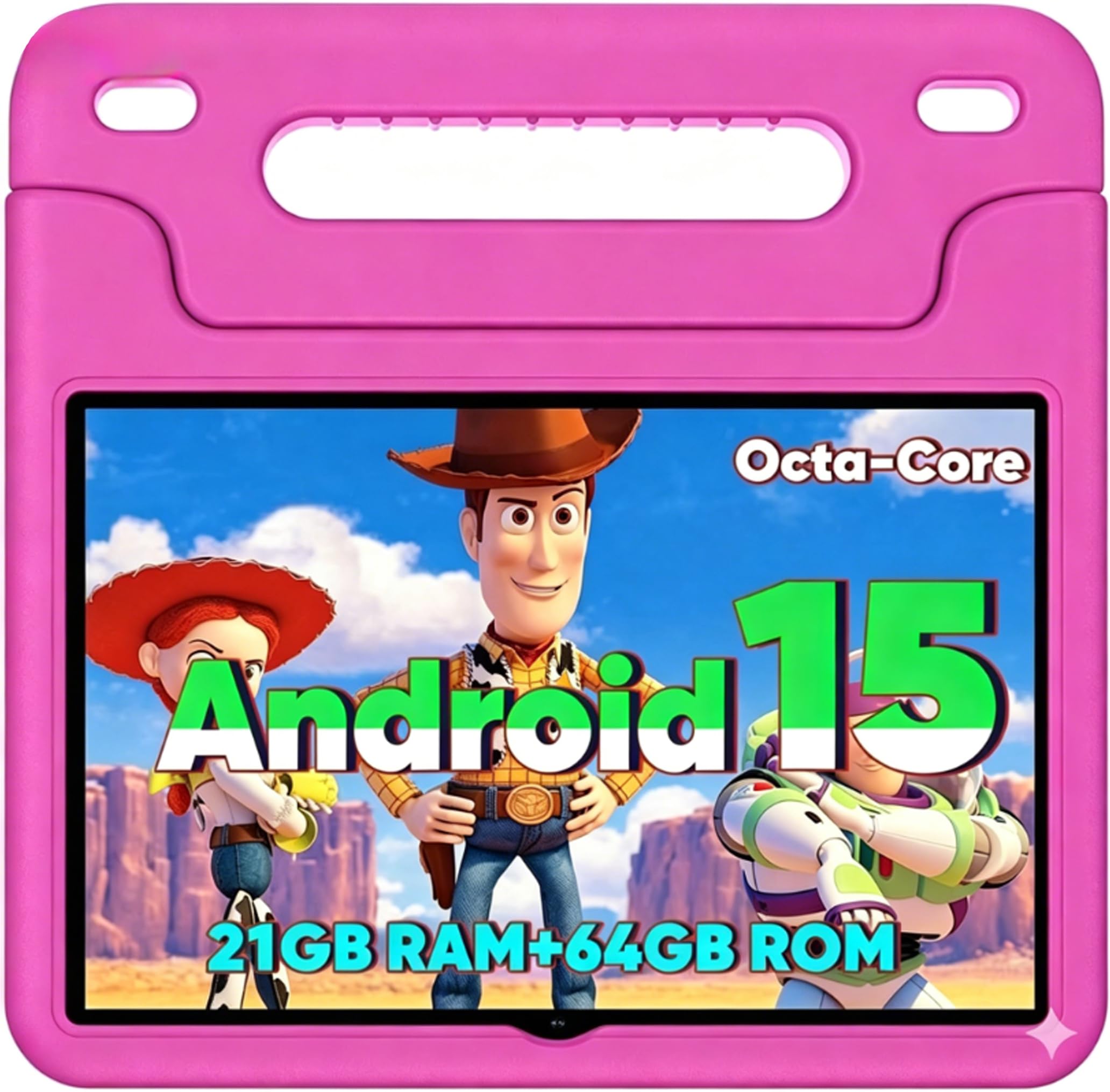
The WXUNJA Android 15 Kids Tablet strikes a solid balance between performance and price. The octa-core processor clocked at 2.0GHz is 40% faster than standard single-core children’s tablets, which translates to smooth app launches and video playback without buffering delays. The 6000mAh battery is one of the largest in this category, providing up to 6 hours of continuous video playback on a single charge, and the included 18W PD fast charging brings it back to full in about two hours.
The tablet runs a clean version of Android 15 with Google Kids Space pre-installed, giving full access to the Google Play Store while providing a safe, curated interface. Parents can create individual profiles, set screen time limits, and approve content directly from the phone app. The 1280×800 IPS HD display includes a blue light reduction mode that minimizes eye strain during longer sessions. The durable silicone case includes a built-in adjustable stand, and the whole package is lightweight enough to fit in a backpack easily.
The 64GB internal storage with 1TB expandability is a nice feature, but the base 3GB RAM can lead to occasional slowdowns if multiple heavy games are running simultaneously. The included case is functional but not as robust as the Amazon Kid-Proof Cases, offering less corner protection. For families who want the full Android app library with a fast processor and a large battery at a mid-range price, this is a dependable option.
Why it’s great
- Fast octa-core 2.0GHz processor
- Large 6000mAh battery with PD fast charging
- Full Google Play Store and Kids Space
- Bluetooth/GPS/FM radio support
Good to know
- Only 3GB of RAM can show lag
- Included case is less protective than premium offerings
- Battery life lower than Fire tablets for video
7. Gleeso Android 16 Kids Tablet (64GB, Pink)
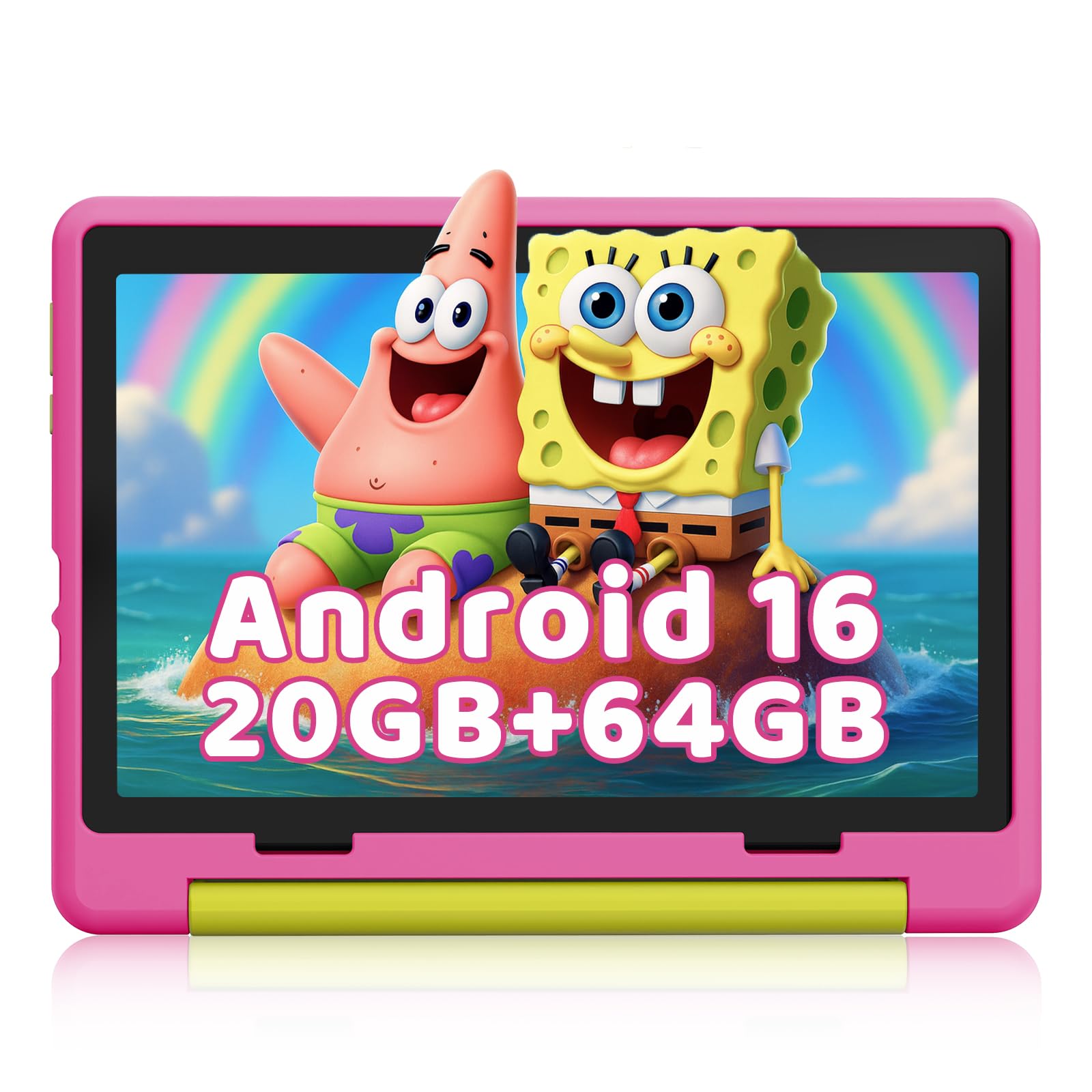
The Gleeso Android 16 Kids Tablet is the most affordable entry point into the Android tablet world with the very latest operating system. It runs Android 16 out of the box, which means full compatibility with new educational apps and enhanced privacy features that block inappropriate ads. The 10.1-inch HD IPS display uses low blue light technology, and the included military-grade shockproof case offers robust drop protection that rivals the Amazon Kid-Proof cases in thickness and corner coverage.
The 64GB of internal storage with support for up to 1TB expansion ensures that you will not run out of space for downloaded content or apps. The 5000mAh battery provides up to 6 hours of use, with USB-C fast charging that fully recharges in about 1.5 hours. The dual 5MP and 8MP cameras are capable of clear video calls and photo projects. The parental controls allow for one-touch screen time limits and content filtering directly from your phone, making it simple to supervise usage.
The 20GB of RAM noted in the product title is likely a combination of system RAM and virtual memory, which is common among budget Android tablets. Real-world multitasking is adequate for educational apps but may struggle with more resource-intensive games. The brand is relatively new, and customer support may not be as responsive as Amazon. For the lowest cost of entry into the Android 16 kids tablet market, this is a practical option that covers all the basics well.
Why it’s great
- Latest Android 16 operating system
- Military-grade shockproof case included
- USB-C fast charging (1.5 hours)
- 1TB expandable storage support
Good to know
- RAM spec likely includes virtual memory
- Brand is new with unknown support
- Not as fast as mid-range options for heavy games
FAQ
Do kids tablets really need expandable storage?
Can a regular adult tablet work for a child with a case?
Is the Amazon Fire Kids 2-year guarantee really no-questions-asked?
Final Thoughts: The Verdict
For most users, the kids tablets winner is the Amazon Fire HD 10 Kids Pro because it combines the largest, brightest display with the most robust parental control system and a 2-year worry-free replacement guarantee. If you want full Google Play Store access and the widest app selection, grab the CFVOCUY Android 15 Kids Tablet. And for the most affordable entry point into a durable, well-supervised tablet for a young child, nothing beats the Amazon Fire 7 Kids.